Appearance
← Back to Plugins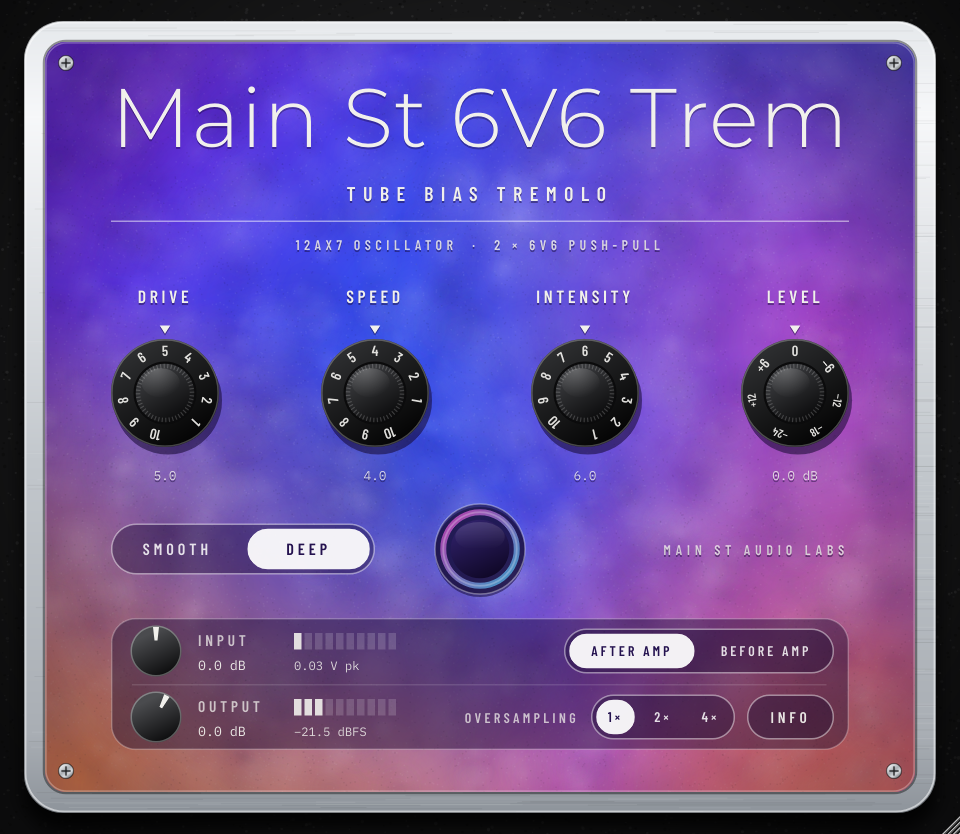
Main St 6V6 Trem
Tube Bias Tremolo · 2 × 6V6 Push-Pull · Smooth / Deep🪟 Win🍎 Mac🐧 Linux
The bias tremolo of the 1964 blackface Princeton Reverb, taken out of the amp and built into a pedal, tube by tube: the oscillator tube, the bias supply and a push-pull pair of 6V6 with their output transformer. The power tubes make the tremolo, so the pulse is round and warm, it breathes with your playing and each valley gets a little dirty. SMOOTH is the original circuit; DEEP goes all the way down to silence.
Specifications
- A real bias tremolo: a 12AX7 oscillator moving the bias of two 6V6 power tubes
- The tubes shape the pulse: their curves bend the wave and it follows your picking
- SMOOTH: the 1964 circuit as it was, a gentle, round sway
- DEEP: colder bias and a wider swing, deep and defined, down to silence
- DRIVE: how hard the tubes are hit, with your level kept steady
- After your amp, on a track or a bus, or straight from the guitar
- Push-pull 6V6 with negative feedback and a GZ34 supply, as in the amp
- Free and complete: nothing locked or time-limited
This manual describes the use, the design and the technical specifications of the Main St 6V6 Trem tremolo.
Welcome
Main St 6V6 Trem is the bias tremolo of the 1964 blackface Princeton Reverb (AA1164), taken out of the amp and built into a pedal. It is not a volume LFO and not a sample: the circuit is solved sample by sample with Wave Digital Filters (WDF).
- DRIVE and the preamp tube: the amp's Volume pot in front of a 12AX7 gain stage. DRIVE sets how hard the power tubes are hit.
- The oscillator: a 12AX7 phase-shift oscillator with Speed and Intensity, riding on the amp's own half-wave bias supply, exactly as in the original.
- The power stage: a cathodyne phase inverter and a push-pull pair of 6V6 with fixed bias and negative feedback, into their output transformer. The oscillator moves the bias of the 6V6: that is the tremolo.
- The supply: a GZ34 tube rectifier, with its sag.
Because the power tubes make the tremolo, the pulse is not a clean volume curve. Their curves round off the wave, the depth follows your playing, and at the bottom of each pulse the 6V6 cool down and get a little dirty. That is the sound of an amp's tremolo, and it is why it sounds warmer than a plain volume tremolo.
There is no speaker and no cabinet: the output is taken off the transformer and brought back to the level that came in, so the pedal fits anywhere in your chain.
Fully functional and completely free. All features are available without time limits or functional restrictions. An optional license key is available to support development and remove the brief welcome window.
System Requirements
| Windows | 10 or later, 64-bit. Nothing else to install. |
| macOS | 10.13 High Sierra or later. Universal binary: runs natively on both Intel and Apple Silicon Macs. |
| Linux | x86_64, with glibc 2.35 or later (Ubuntu 22.04 and equivalents onward). |
| Formats | VST3 on all three systems; Audio Unit (AU) on macOS for Logic Pro and GarageBand. It is an effect for your DAW: there is no standalone application. |
| CPU | Moderate, since a whole power stage is solved sample by sample: on our test machine, about 10% of one core at 48 kHz at the default 1× oversampling (about 16% at 2×). When the track is silent, almost nothing. |
Installation
Copy the files to the appropriate folder for your operating system:
| Operating System | VST3 Format | AU (Audio Unit) Format |
|---|---|---|
| Windows | C:\Program Files\Common Files\VST3\ | — |
| macOS | ~/Library/Audio/Plug-Ins/VST3/ | ~/Library/Audio/Plug-Ins/Components/ |
| Linux | ~/.vst3/ | — |
Note for macOS users:
Because this is an independent project distributed without an Apple commercial developer certificate, macOS Gatekeeper may say the plugin is damaged or from an unidentified developer. It is neither: you will find two simple Terminal commands in the includedINSTALL.txtfile to authorize it in seconds.
Once copied, run a plugin rescan in your DAW. You will find it listed as Main St 6V6 Trem by Main St Audio Labs.
Where to Put It
1. After your amp (the default)
A tremolo usually goes after the amp, so the pulse does not change the way the amp distorts. That is what AFTER AMP is for, and it is the default.
- On the guitar track: insert Main St 6V6 Trem after your amp simulator (or after the track of a real amp you recorded).
- On a bus: put it on an aux / bus track and send to it. The dry amp and the pulsing return blend, and the send level sets how much tremolo you hear.
Mix-level signals are much hotter than a guitar, so AFTER AMP lowers the level by 20 dB before the circuit and brings it back after it: the tubes get hit like they would by a guitar. INPUT sets how hard (see below).
2. Before the amp: straight from the guitar
Set BEFORE AMP and put the pedal first on the guitar track, before your amp simulator. The input is then calibrated like our amps, to the voltage of a real guitar. The pedal's tubes color the signal before the amp, so the amp reacts to it: that is the sound of a tube pedal in front of an amp, and it changes the amp's character more than AFTER AMP does.
Controls
- DRIVE (1–10): The amp's Volume, in front of the preamp tube: how hard the power tubes are hit. Low settings are clean and open; turn it up and the 6V6 add warmth, compression and some grit, and the bottom of each pulse gets dirtier. With LEVEL at 0 dB the output stays at the level that came in at any DRIVE, so DRIVE changes the color, not the volume.
- SPEED (1–10): The rate, from about 3.7 Hz at 1 to 9.9 Hz at 10. The pot is logarithmic, so each number is about 12% faster than the last and the slow end has room.
- INTENSITY (1–10): The depth. The pot has an audio taper: the first half of the dial is a gentle sway, and the top half goes deep.
- LEVEL (−24 to +12 dB): The output level of the pedal. At 0 dB, the output matches the level that came in (with the tremolo off).
- SMOOTH / DEEP:
- SMOOTH: the 1964 circuit as it was. A gentle, round pulse, up to about 7 dB deep.
- DEEP (the default): a colder bias on the 6V6 and a wider swing from the oscillator. Deeper and more defined, about 30 dB at full Intensity: close to silence at the bottom of each pulse.
- Switching takes about a second to settle, as on a real pedal: the bias supply has to reach its new voltage.
- The tremolo button: Turns the tremolo on and off. Off, the oscillator stops but the tubes keep playing, as in the amp, so the pedal still colors the sound. The ring of light around it pulses with the real tremolo, computed from the bias of the tubes.
Double-click a knob to return it to its default.
The Controls Panel
The panel at the bottom of the pedal has two rows.
- INPUT: A digital trim in dB: how hard the signal hits the circuit. Below its meter, the peak voltage reaching the pedal (V pk), holding each peak for about 1.5 seconds.
- AFTER AMP / BEFORE AMP: Where the pedal sits (see Where to Put It).
- OUTPUT: The final trim in dB, after LEVEL. Below its meter, the output level in dBFS.
- OVERSAMPLING (1×, 2×, 4×): Reduces aliasing when the tubes are driven hard. 1× is the default and is plenty at normal DRIVE settings; switch to 2× when you push DRIVE high, especially on bright parts. 2× and 4× add 3 and 4 samples of latency, reported to your DAW. Oversampling counts from 48 kHz: if your project runs at 88.2 or 96 kHz, the pedal already works at that rate, so 2× costs nothing extra there.
- INFO: How it's made, the version, the website and your license key.
You can resize the window from its corner; it keeps its size with your project.
Silence costs nothing. After a second of digital silence on the track (gaps between regions, a stopped transport) the tubes rest and the CPU drops to almost zero. The first note wakes them up instantly, right where they left off.
Setting INPUT
After the amp: start with INPUT at 0 dB. Raise it for more tube color and dirtier valleys; lower it for a cleaner pulse.
Before the amp: the pedal responds to the actual voltage at its input jack, like our amps. 0 dBFS corresponds to 4.62 V peak at the jack (a Focusrite Scarlett 3rd gen at minimum gain, INST input). Strum hard and adjust INPUT until the reading under the input meter lands in the range of your pickups:
| Pickup type | Normal playing | Hard strum |
|---|---|---|
| Vintage single coil (Strat, Tele) | 0.05 – 0.10 V | 0.3 – 0.5 V |
| Hot single coil, P-90 | 0.10 – 0.20 V | 0.5 – 0.8 V |
| Humbucker (PAF style) | 0.10 – 0.25 V | 0.6 – 1.0 V |
| Hot humbucker | 0.20 – 0.40 V | 1.0 – 1.5 V |
| Active pickups | 0.30 – 0.60 V | 1.5 – 2.5 V |
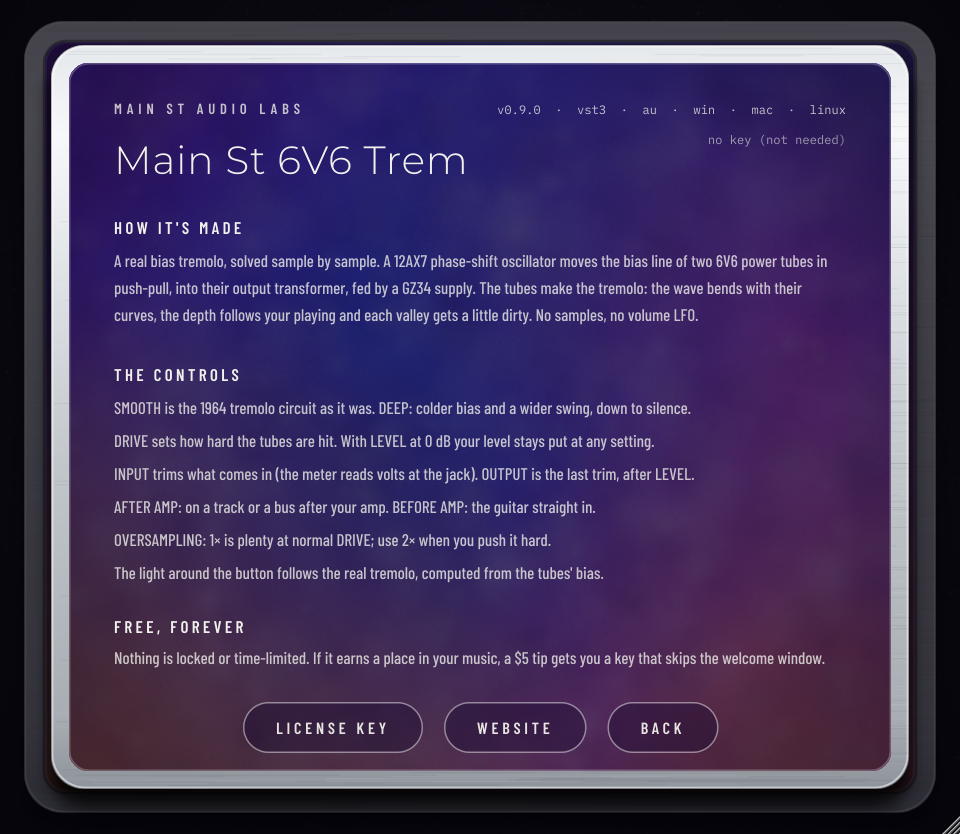
Info and License Key
Click INFO to open the info panel: how the pedal is made, what the controls do, the version, your key and the website. Click BACK, or anywhere outside the card, to close it.
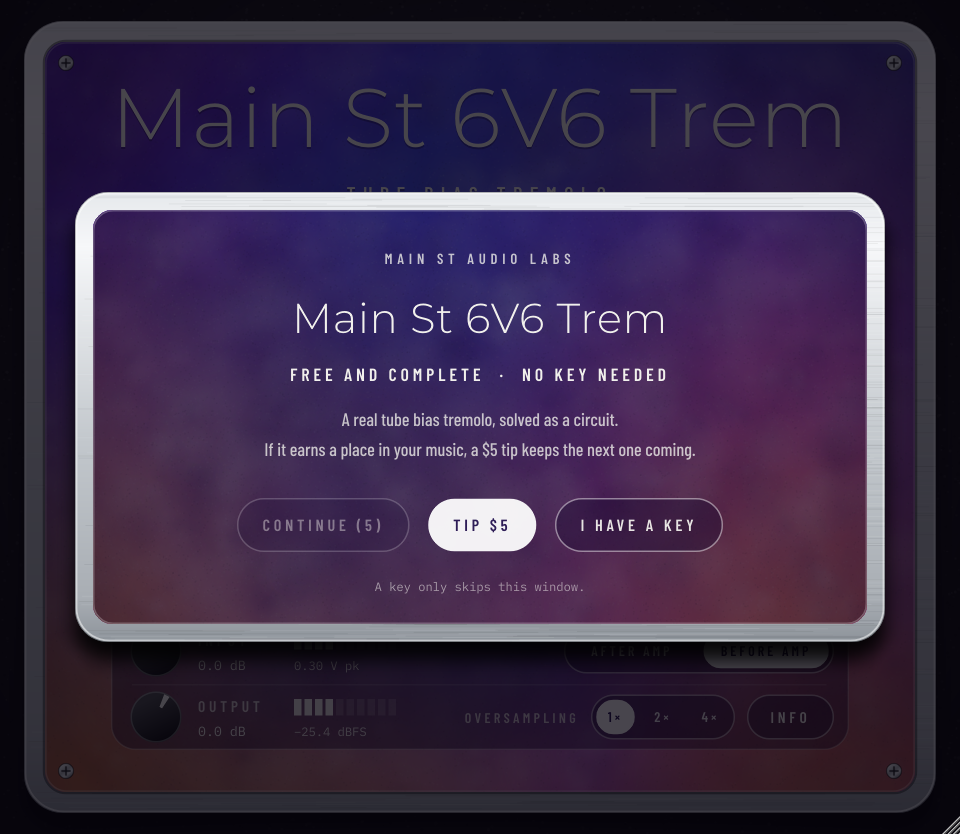
Main St 6V6 Trem is free. Without a key, a small welcome window appears the first time you open the plugin in a session, and CONTINUE becomes available after five seconds. An optional license key, a $5 tip on Payhip, removes that window for good. Enter it with I HAVE A KEY in the window, or with LICENSE KEY in the info panel. The key is checked online once, works offline after that and never expires.
Frequently Asked Questions
Is it the same tremolo as in Main St PR '64?
In SMOOTH, yes: the same oscillator, bias supply and power tubes. DEEP exists only in the pedal. Main St PR '64 has the whole amp around it: the preamp with Treble and Bass, the spring reverb, the speaker and the cabinet.
Why does the sound change a little even with the tremolo off?
Because the signal goes through real tubes and a transformer, like a tube pedal. Lower DRIVE for the cleanest pass.
Why doesn't the level jump when I turn DRIVE?
The pedal compensates for it, so you can set the color without fixing the volume every time. LEVEL and OUTPUT are there for the final level.
Why does SMOOTH / DEEP take a second to switch?
The two positions run the 6V6 at different bias voltages, and the bias supply takes about a second to get there, as in a real circuit.
Why is it mono?
The circuit is mono. A stereo input is summed to mono, and both outputs carry the same signal.
I entered my license key, but the welcome window still appears.
It appears at most once per session and only without a key. If it keeps appearing after you saved your key, write to us and we will help.
Credits & Trademarks
- Tube mathematical models: Norman Koren (1996); grid current formulation: Dempwolf and Zölzer (DAFx 2011).
- Wave Digital Filters (WDF):
chowdsp_wdflibrary by Jatin Chowdhury (BSD-3 License). - Developed with the JUCE framework.
- Typefaces: Montserrat, Barlow Condensed and IBM Plex Mono (SIL Open Font License 1.1).
All product names, trademarks, and registered trademarks mentioned (including Fender, Princeton Reverb and Focusrite) are property of their respective owners and are referenced solely for historical context and descriptive identification of the modeled analog equipment. Main St Audio Labs is an independent developer and has no affiliation, endorsement, or commercial sponsorship from these companies.
If you record something with this tremolo, we want to hear it. Copy our email to send us the link:
mainstaudiolabs@gmail.com
Other plugins
New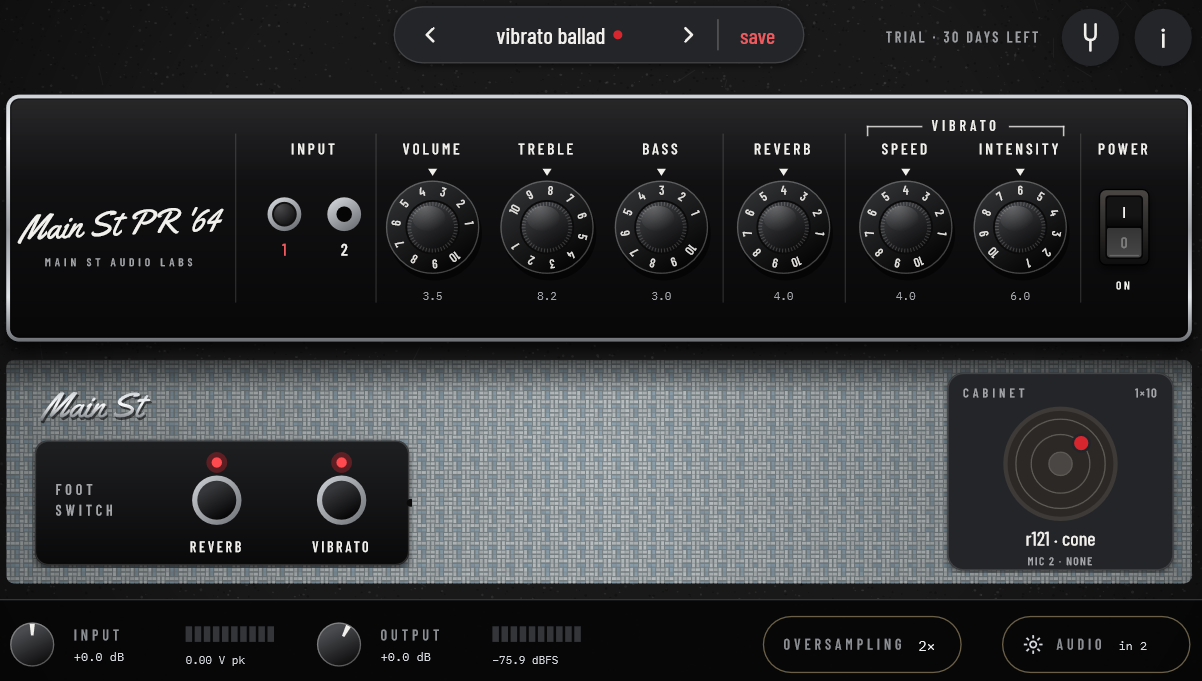
Main St PR '64
Blackface 1964 · Spring Reverb · Bias Tremolo
🪟 Win🍎 Mac🐧 Linux
The 1964 blackface Princeton Reverb, rebuilt tube by tube: the preamp with Treble and Bass, a tube-driven spring reverb, the bias tremolo, a pair of 6V6 and a GZ34 rectifier, all working together as in the real amp. That's why the cleans sparkle and the reverb blooms off your picking, why it gets a warm, singing edge when you turn it up, and why the Vibrato pulses like the real one.
$14 (1 month trial)View details
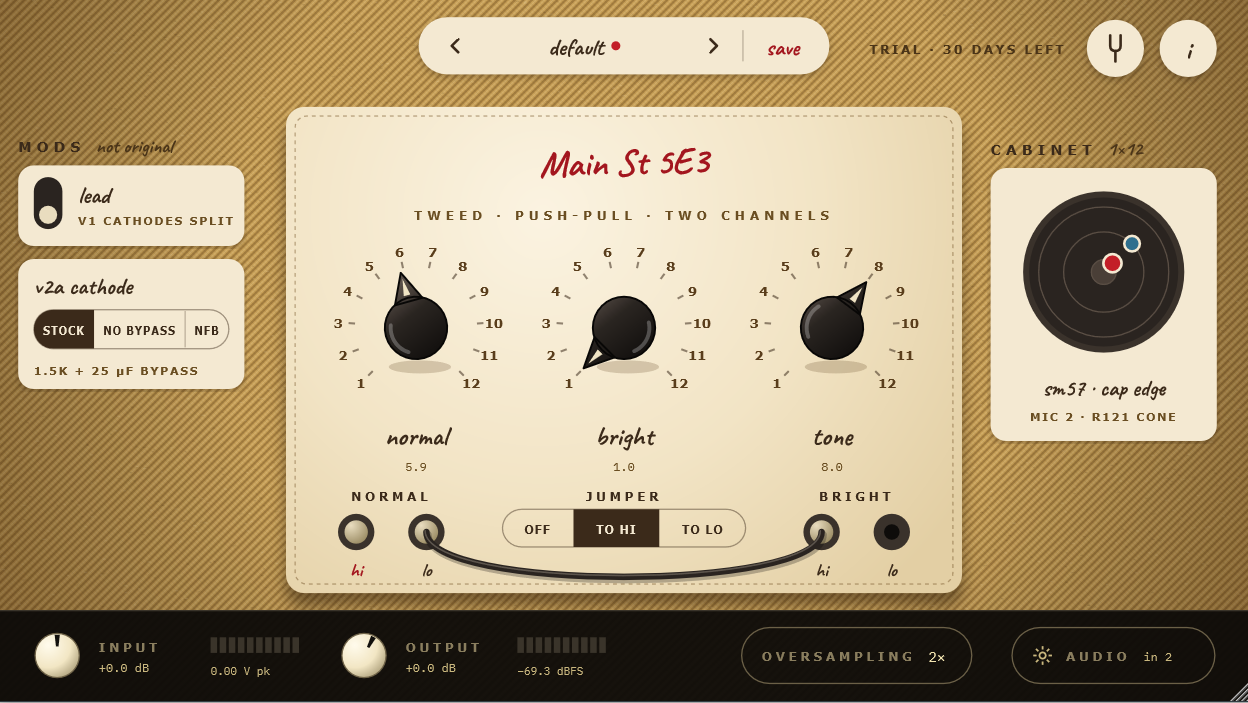
Main St 5E3
Tweed 5E3 · Push-Pull 6V6 · Two Channels
🪟 Win🍎 Mac🐧 Linux
The original 5E3 tweed circuit, rebuilt tube by tube: two 12AY7 channels, a 12AX7, a pair of 6V6 power tubes and a 5Y3 rectifier, all working together as in the real amp. That's why it cleans up when you roll back your guitar's volume, sags and compresses when you dig in, and breaks into the famous tweed roar when you crank it.
$9 (1 month trial)View details
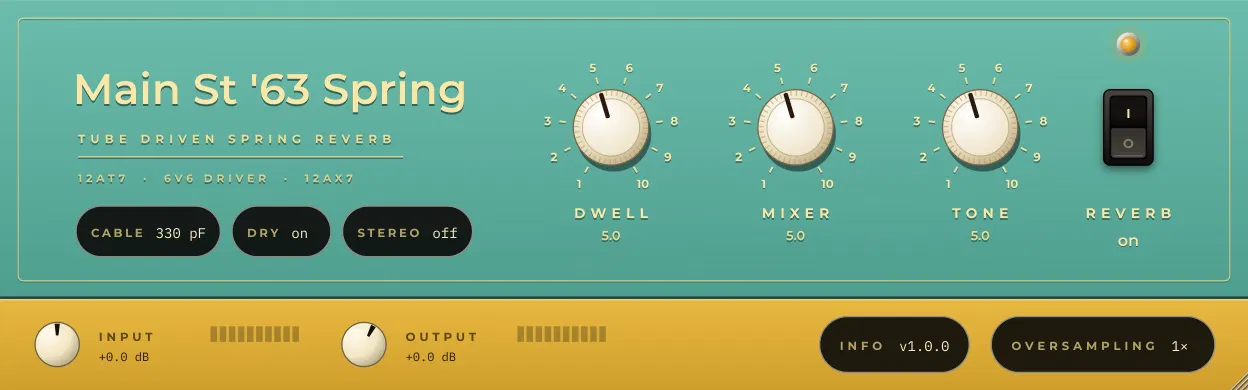
Main St '63 Spring
1963 Spring Reverb Unit · Tube Driven
🪟 Win🍎 Mac🐧 Linux
The original 1963 outboard spring reverb, rebuilt part by part: the tubes that drive the tank, the two springs and the recovery stage. That's where the drip and splash of surf and vintage records come from, and why it gets wetter and wilder as you turn up the Dwell and hit it harder. Use it before your amp like the original, or on a bus with the springs in stereo.
FreeView details
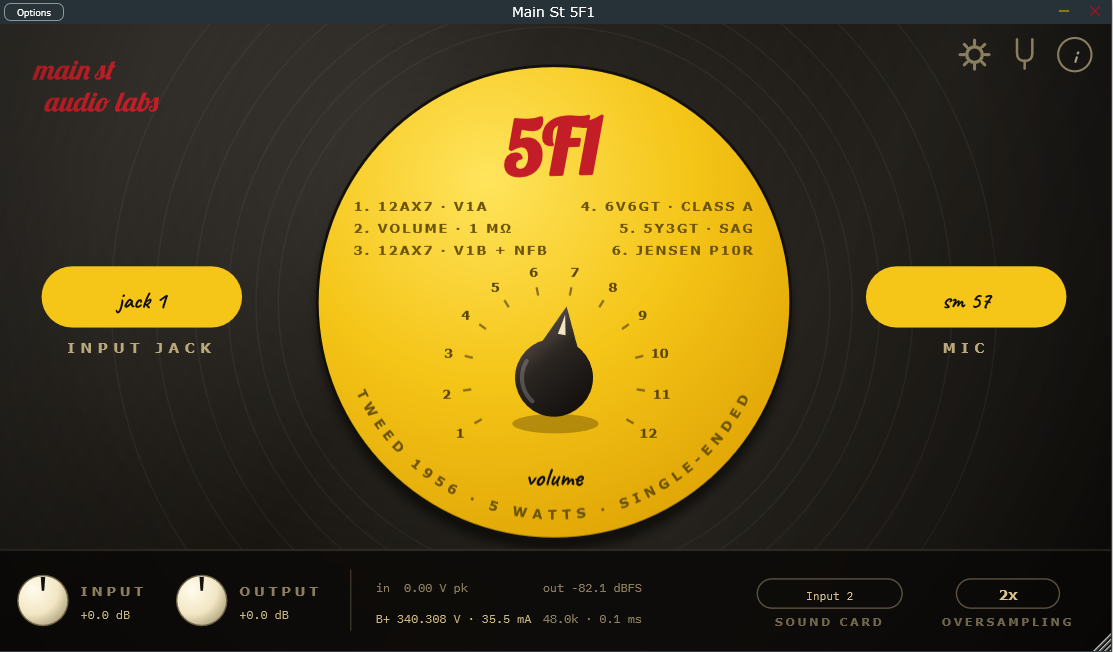
Main St 5F1
Tweed 1956 · 5 Watts · Single-Ended
🪟 Win🍎 Mac🐧 Linux
The original 1956 tweed Champ circuit, rebuilt tube by tube: a 12AX7, a single 6V6 and a 5Y3 rectifier, working together as in the real amp. That's why one knob covers it all (sweet cleans down low, warm crunch in the middle, singing overdrive at the top) and why it answers your picking like the real thing.
FreeView details
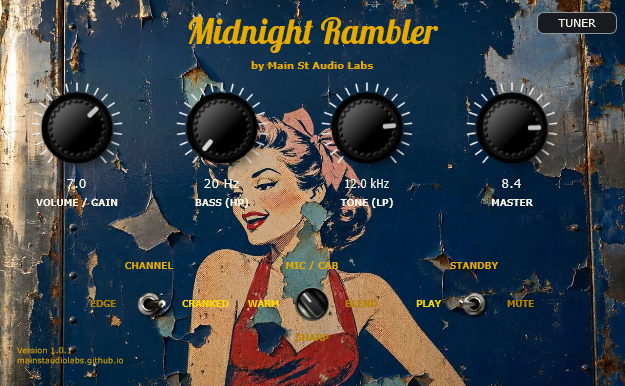
Midnight Rambler
5E3 Tweed Tube Simulation
🪟 Win🍎 Mac🐧 Linux
The raw, dynamic bite of the Fender Tweed 5E3 behind rock's landmark albums. Organic touch sensitivity, 3 phase-aligned studio mics, and retro tuner.
FreeView details
Vintage Tuner Stompbox
Analog Chromatic Tuner
🪟 Win🍎 Mac🐧 Linux
Vintage needle tuner powered by dual high-precision DSP engines (MPM & YIN). True 0.0% CPU when GUI is closed for inserting across all session tracks.
FreeView details